After the day
Your photographer uploads. Every guest gets the photos they're in.
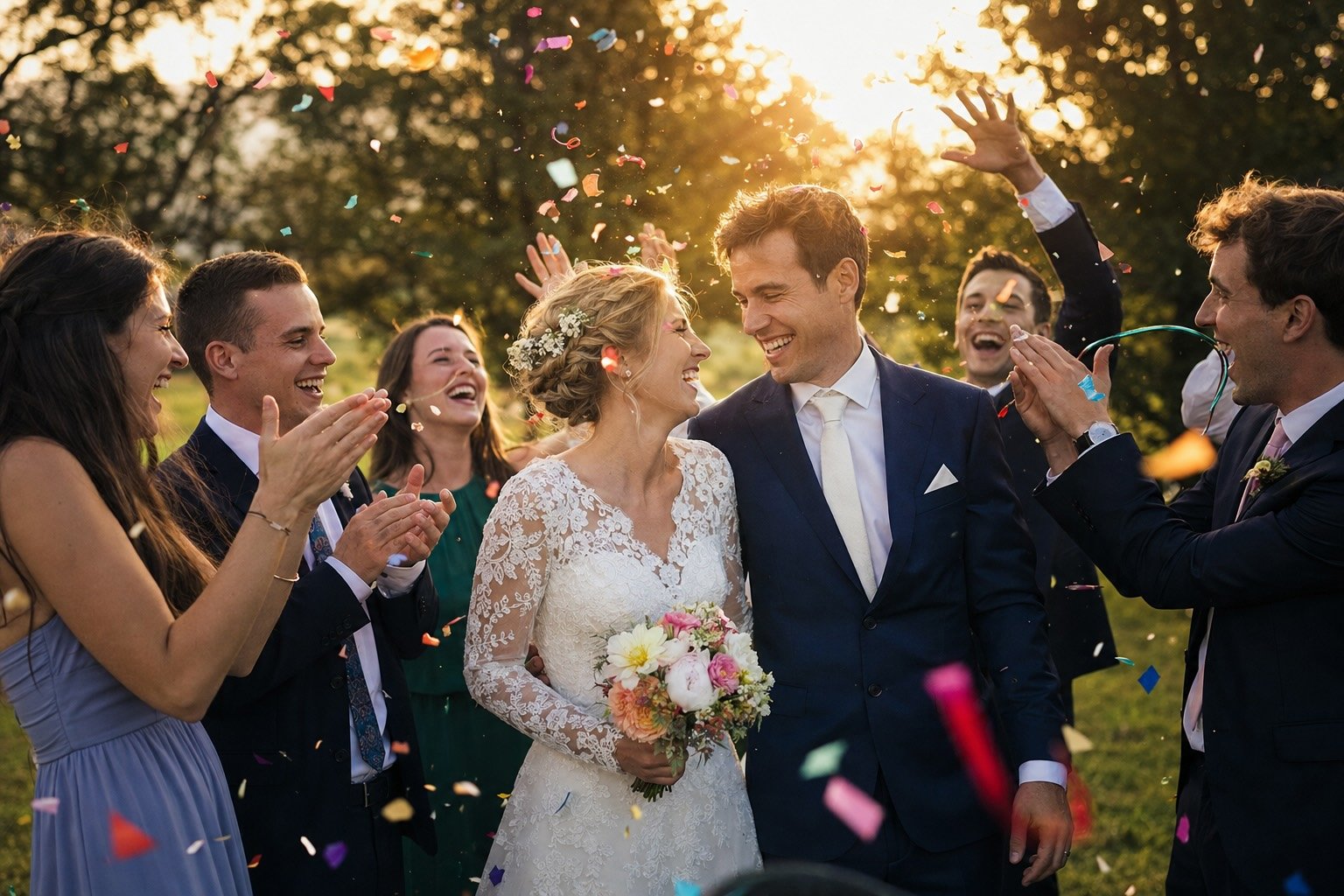
A shared gallery for the photos from the day itself, separate from the prewedding shots your invitation uses. Your photographer uploads straight into it, and every photo is matched to the guests in it — so sending someone their own photos is one link.
Before you start
Easy to try. Clear who's behind it.
Before you hand your wedding invitation to anyone, it's fair to want to know who you're dealing with. Here are the facts, and you can check every one of them.
A registered Indonesian company
PT. Wedivo Digital Solution in Purwokerto. Business number (NIB) 0810240004861, registered with Komdigi as an electronic system operator.
See the full company detailsPayments through Xendit
A payment provider licensed by Bank Indonesia. Pay by QRIS, bank transfer, e-wallet or card, and your payment details never reach us.
Pay once, no subscription
One plan covers one wedding. If money leaves your account but the plan never switches on, you get all of it back.
Read the refund policyLook first, sign up later
Every design opens on your phone without an account, and the full invitation is free: RSVP, wishes, gallery, map and music.
Browse the designs
Still unsure?
Ask us first, about a design, a plan, or paying.
Wedding Photos
How it works
Separate from your prewedding photos, on purpose
Wedding-day photos live apart from your invitation's prewedding shots.
The photographer role exists for this
Your photographer can upload — and sees nothing else.
Faces matched to guests, without you tagging anyone
Check-in selfies match every guest to the photos they're in.
The ones it can't place, you name in a tap
Name an unknown face once, and every photo of them is tagged.
One link, and it looks like something when you send it
Each guest gets a private link that unfurls as a mosaic of their photos.
Formats a real camera actually produces
HEIC straight from an iPhone, plus JPG, PNG and WEBP — all in one go.
Wedding Photos
Everything it does
- One shared gallery for wedding-day photos
- Kept separate from the prewedding photos your invitation uses
- Multi-select upload
- HEIC, HEIF, JPG, PNG and WEBP accepted
- A labelled placeholder for formats the browser can't preview
- Photobooth Virtual and Disposable Camera shots land here too
- You and your partner
- A photographer collaborator, whose access is essentially this page alone
- Each photo attributed to the person who uploaded it, with their role
- A photographer can remove their own uploads; the couple can remove any
- Every photo matched to the guests in it, from their check-in selfies
- Filter the whole gallery down to one guest
- Unrecognized faces grouped per person, not per photo
- Name a whole group of photos in one tap
- Faces outlined on the photo itself — tap one to see who it is
- Change who a face is tagged as, or remove the tag
- Mark staff, vendors and passers-by as "not a guest"
- One selfie can cover a family checking in together
- A private link per guest, showing only the photos they appear in
- No login, no app — the same kind of link as their invitation
- Send over WhatsApp from the guest's row, or copy it
- The link unfurls in chat as a mosaic of their own photos
- Your names, date and venue on the share card
- Guests can save photos to their phone
Included in Needs a paid plan. Face matching also needs Venue Check-In.
See pricingGive the photos one home.
Invite your photographer before the day, and every guest gets their own set afterwards.