
The invitation is only the front door.
Describe your wedding and Wedivo builds the invitation website for it. Your guest list, seating chart, budget, door check-in and venue screen all run from the same place.
- Free to start, no card
- Pay once, no subscription
- Registered Indonesian company
- design styles
- 0+design styles
- wedding tools
- 0wedding tools
- guest list
- 0guest list
Before you start
Easy to try. Clear who's behind it.
Before you hand your wedding invitation to anyone, it's fair to want to know who you're dealing with. Here are the facts, and you can check every one of them.
A registered Indonesian company
PT. Wedivo Digital Solution in Purwokerto. Business number (NIB) 0810240004861, registered with Komdigi as an electronic system operator.
See the full company detailsPayments through Xendit
A payment provider licensed by Bank Indonesia. Pay by QRIS, bank transfer, e-wallet or card, and your payment details never reach us.
Pay once, no subscription
One plan covers one wedding. If money leaves your account but the plan never switches on, you get all of it back.
Read the refund policyLook first, sign up later
Every design opens on your phone without an account, and the full invitation is free: RSVP, wishes, gallery, map and music.
Browse the designs
Still unsure?
Ask us first, about a design, a plan, or paying.
From couples
In their own words.
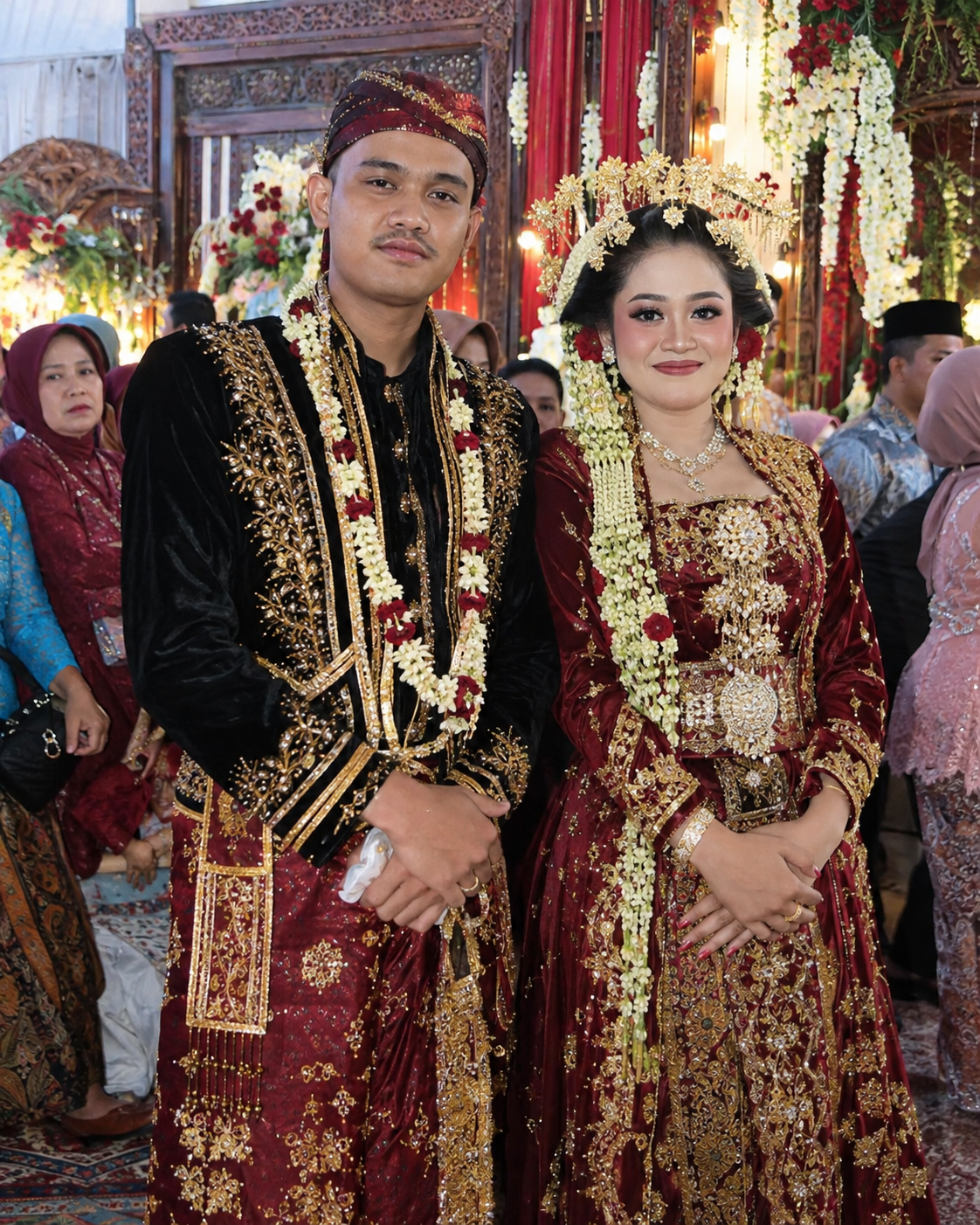
“I was worried it would be a hassle to make because neither of us understands design at all. But it turned out to be super easy, just pick a template and then change the photo and the event details. The result is really pretty too 🫶”
Translated from Indonesian
“What we liked most is that all the guests could join in without having to queue at a single booth. Just scan the QR, pose, done. Some took photos with family, some with office friends, and some even made their own funny photos. The result is a collection of moments from the guests' point of view that we wouldn't have gotten from the photographer.”
Translated from Indonesian
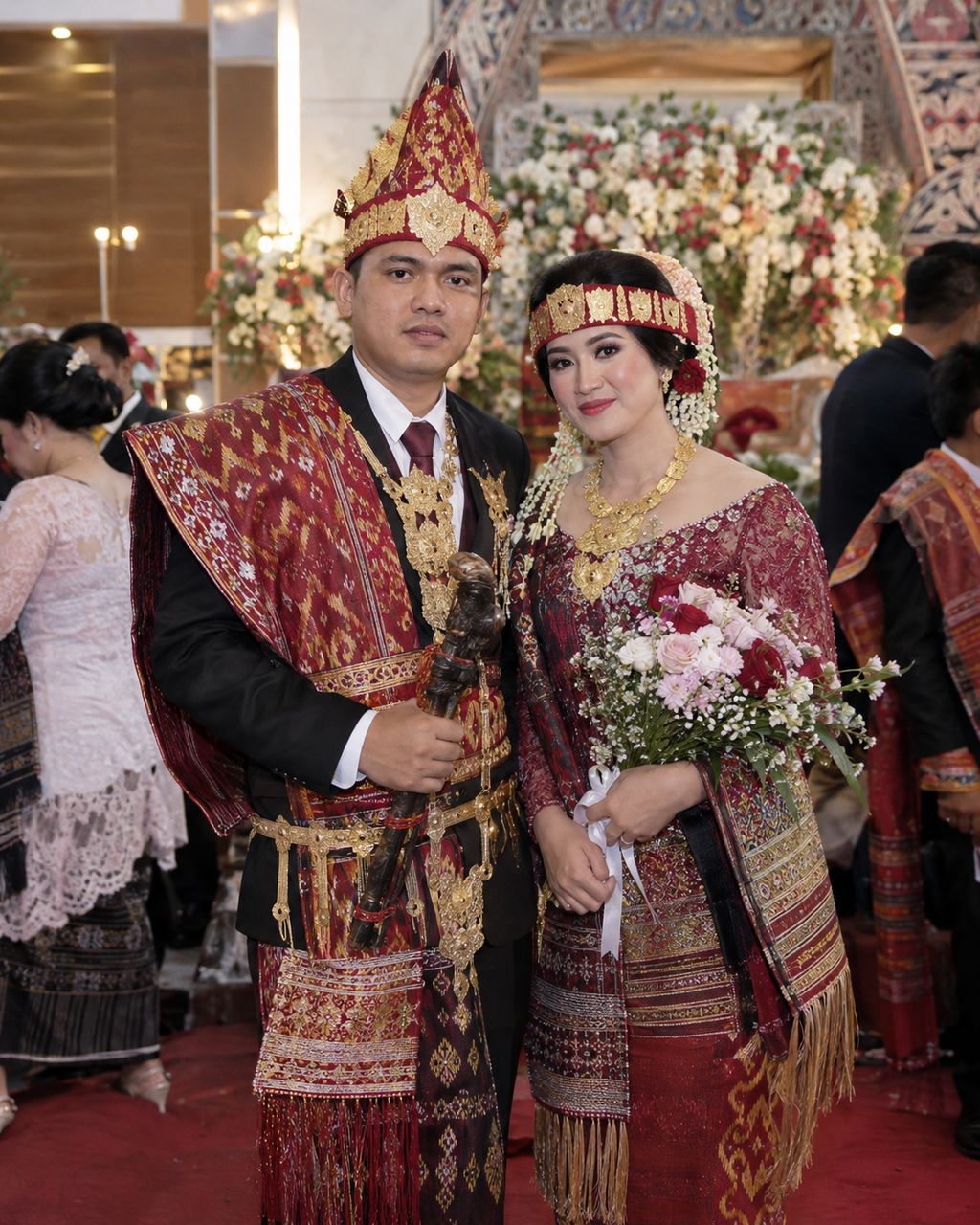
“Honestly, I used to think digital invitations were all the same, but it turns out Wedivo has so many really unique designs. I was so overwhelmed choosing which one, hahaha. In the end we found one that truly matched our wedding concept.”
Translated from Indonesian
“The most helpful thing was being able to edit the invitation myself. Recently the event time changed, and I could just change it right away. No need to chat with the admin and wait for revisions. Seriously so practical 😭”
Translated from Indonesian
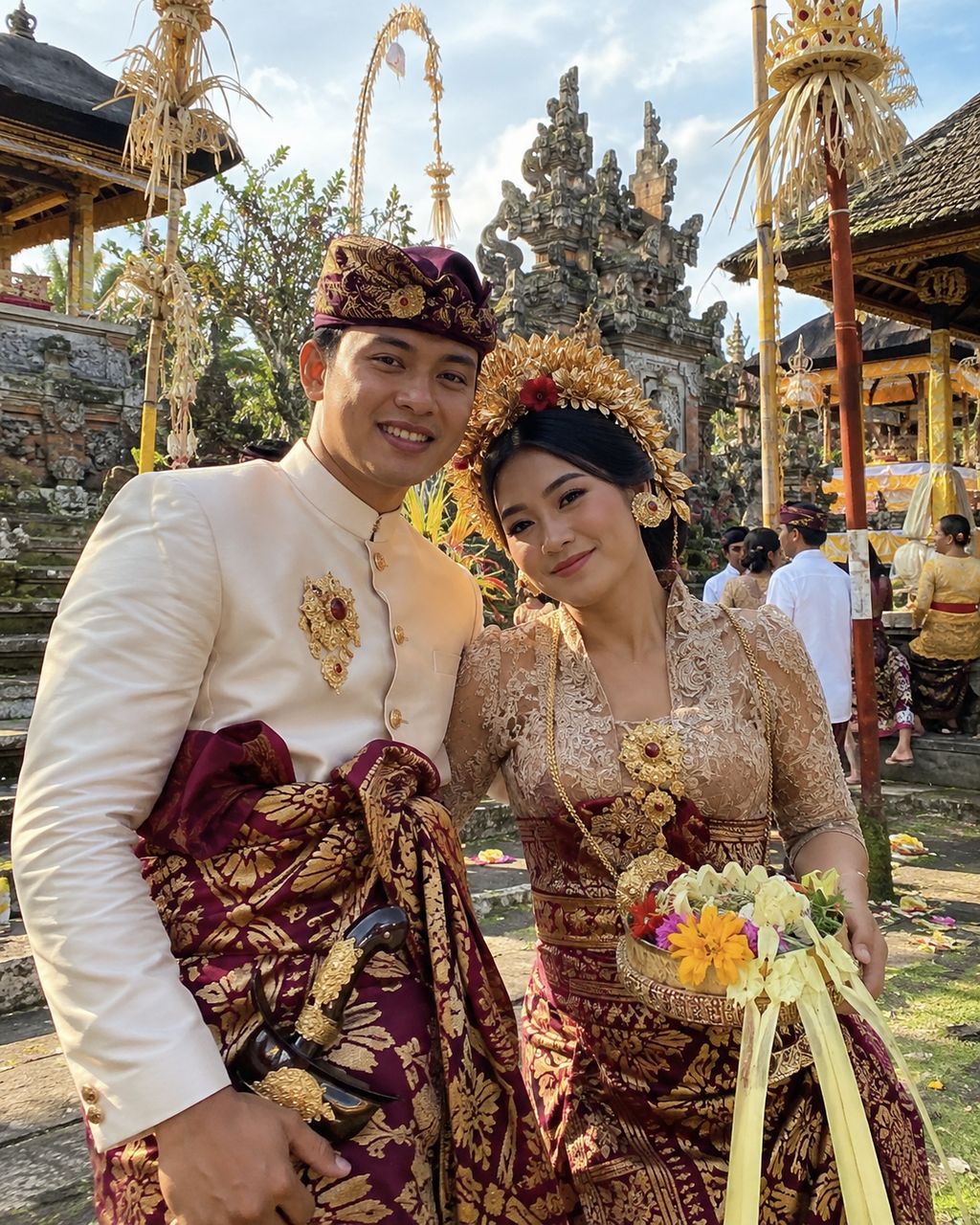
“At first we were just casually browsing invitation designs, and we ended up finding one that fit us perfectly on Wedivo lol. The design is different from the digital invitations we usually see, and it turns out we could edit it ourselves too. We really love how it turned out 🥹”
Translated from Indonesian
“a few friends even asked where we made our invitation, lol. They said the design was unique and different from the ones they usually receive. We're so happy our guests like our invitation too”
Translated from Indonesian
What is Wedivo
A wedding website, and the wedding behind it.
A wedding website for your guests, and a dashboard for everything behind it.
Why it's different
Most digital invitations stop at the invitation.
A template site sells you a page. Wedivo gives you the page and everything it feeds.
- DesignFixed templates
- RSVPA spreadsheet to export
- SeatingA separate app, or paper
- BudgetChat threads and screenshots
- The dayA printed list at the door
- LinksOne link, opened by anyone
- TeamOnly you can sign in
What the AI does
Say it. Watch it get built.
Describe the mood. Get a complete, working invitation website — then make it yours.
The real Design Creator, on this page
Click any element to inspect and restyle it. The chat history and inspector are live; sending prompts, saving and publishing are off until you sign in.
Nothing you do in this demo is saved.
The designs
What your guests actually open.
Every one below is a live premium design — animated, responsive, built for a phone.
Drag or scroll to explore
One guest list
Add a guest once. Everything downstream already knows.
Every feature reads from the same guest list — nothing to export, nothing to re-upload.
Guest
name · phone · group · side · pax
Invitation
Their own personalized link, with their name in it — lockable to their device if you want.
Tap a feature
Everything else
Tools that already know your wedding.
Each one has its own page — with the real thing running on it, not a screenshot.
Pricing
Start free. Pay for what the day needs.
Every plan includes the invitation itself. Paid plans raise your limits and unlock the tools around it. One-time price, one wedding.
Questions
Before you start.
No. The invitation is a website — they open your link in the browser already on their phone. Check-in works the same way: scan a code, a page opens.
Start here
Your invitation, in the next few minutes.
Sign in with Google, fill in your names and date, and pick a design — or describe one. The rest can wait.